Pair tasks that genuinely depend on each other
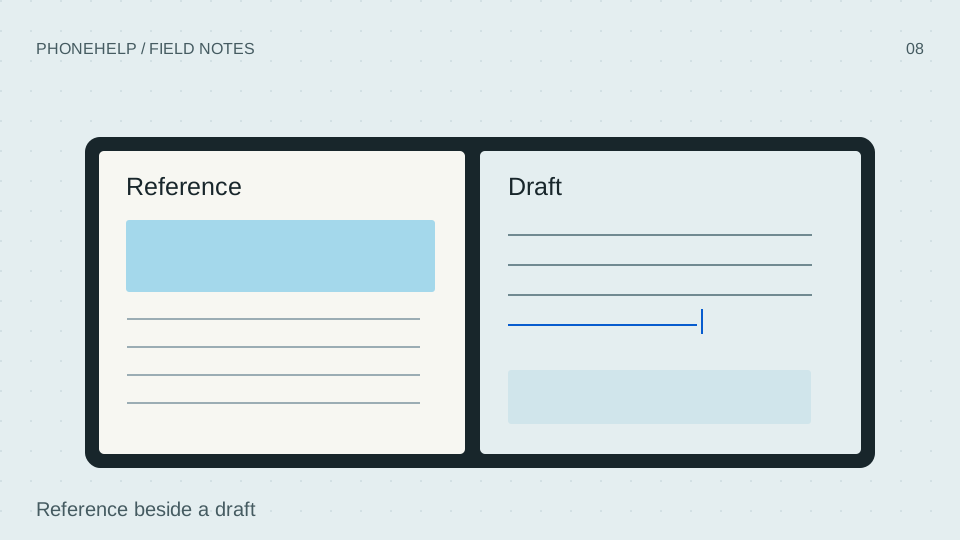
A reference beside a draft, a message beside a calendar and a product listing beside notes are useful because they reduce switching between related information. Two unrelated apps can simply compete for attention. Start with a small set of repeatable tasks rather than opening two windows for its own sake.
Our original layout drawing explains the relationship between panes. It is not a screenshot of iOS and does not invent an exact settings path or control layout.
Check app behavior, not just screen size
Look for readable text, appropriate keyboard behavior, working drag or selection interactions where documented, and a useful layout in each pane. An app fitting into a window does not prove it has been adapted to make good use of that window.
- List your essential app pairs before purchase.
- Check each developer’s current compatibility information.
- Keep a fallback workflow for tasks that need a larger screen or desktop software.
Separate announced capability from your own workflow
Apple’s examples establish intended uses and named support, but they cannot cover every app version or account configuration. A work-managed device may also have organizational restrictions. Confirm requirements before relying on Duo for a deadline.
We have not timed a productivity test or verified retail app-pair persistence. This guide explains the decision and the documented capability without manufacturing a performance result.
| Inner display · inches | 7.6 | [A-US-SPEC-001] |
|---|---|---|
| Planned shipping software | iOS 27.1 | [A-US-NEWS-001] |
| AI availability | Siri AI: English beta announced with iOS 27; features and regions vary | [A-US-BUY-001] |
Sources & verification
- iPhone Duo - Apple Apple · en-US · Last checked September 10, 2026
A-US-PROD-001 - iPhone Duo - Technical Specifications - Apple Apple · en-US · Last checked September 10, 2026
A-US-SPEC-001 - Apple unveils iPhone Duo - Apple Apple · en-US · Last checked September 10, 2026
A-US-NEWS-001 - Shop iPhone Duo — United States Apple · en-US · Last checked September 10, 2026
A-US-BUY-001
Source-based coverage. PhoneHelp has not hands-on tested a retail iPhone Duo.